Logging in
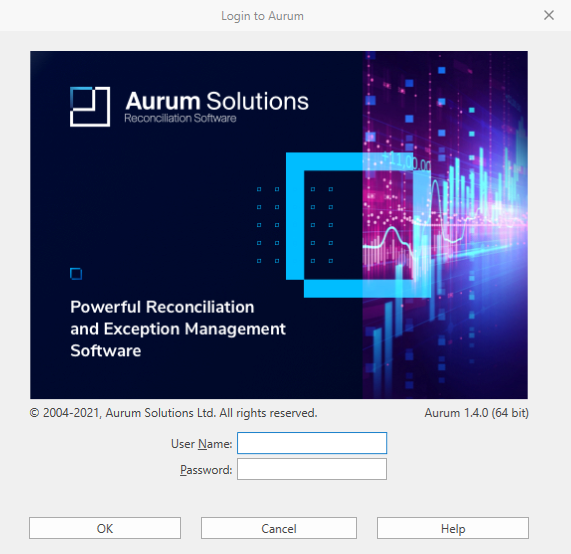
Your installation of Aurum requires you to verify that you are an authorised user. You do this by supplying your User Name and Password in the Login screen.
Depending upon the options set on your computer, User Name may already be populated with your Windows user name.
The characters you type into Password will not be displayed - instead all the characters you type will be displayed as discs, so that no-one can see your password by watching the screen.
If you have been supplied with more than one language file, a Language drop-down list will be shown. You will need to select the Language from the drop-down list for the session.
To verify your details, click OK.
Clicking Cancel will close the screen and will not start Aurum.